
Legacybox is a media digitization service that helps people convert old physical memories into modern digital formats. The service is built around a common household problem: family history is often trapped on VHS tapes, camcorder cassettes, film reels, photo prints, slides, negatives, audio cassettes, and discs that are no longer easy to play or preserve. Many people still have these items tucked away in closets, garages, cabinets, and storage bins, but the equipment needed to access them has either disappeared, broken, or become too annoying to deal with.
Legacybox makes the process more manageable by using a mail-in kit system. Customers choose a kit size, receive the materials needed to pack their media, send everything in, and receive digitized versions along with their original items. That simplicity is the main appeal. It turns what could be a complicated technical project into a structured service that most households can understand.
The brand is especially useful for families who want to preserve meaningful memories before the original formats degrade further. Tapes can weaken. Photos can fade. Film reels can become fragile. Audio recordings can lose clarity. Digitization does not make old media invincible, but it does make those memories easier to watch, share, store, and back up.
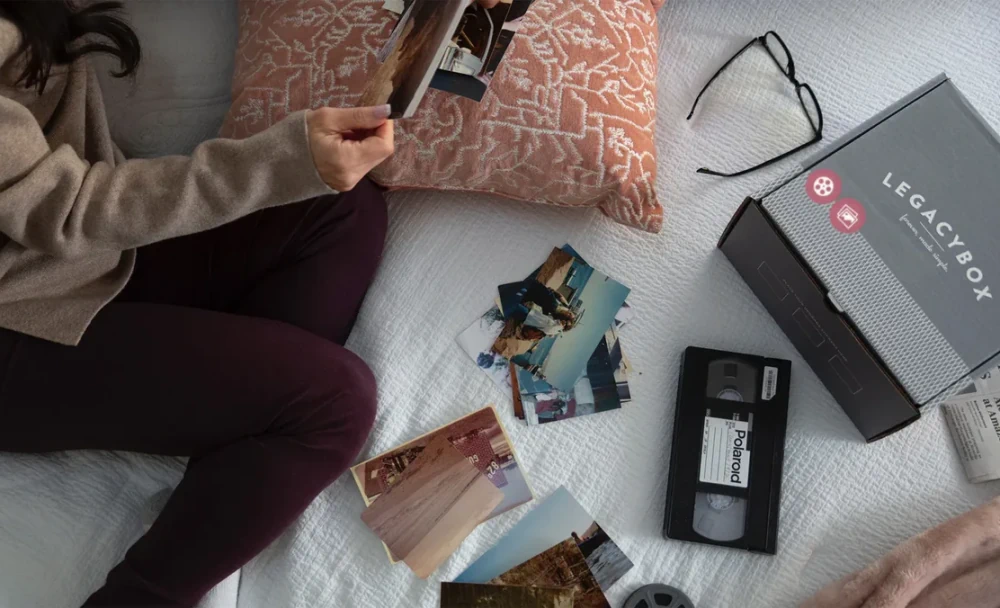
How the Process Works
The Legacybox process is intentionally straightforward. After choosing a kit, customers receive a box with instructions, item barcodes, and a prepaid return shipping label. Each piece of media is labeled and tracked, which helps keep the order organized as it moves through the digitization process. This is important because many customers are sending in memories that cannot be replaced.
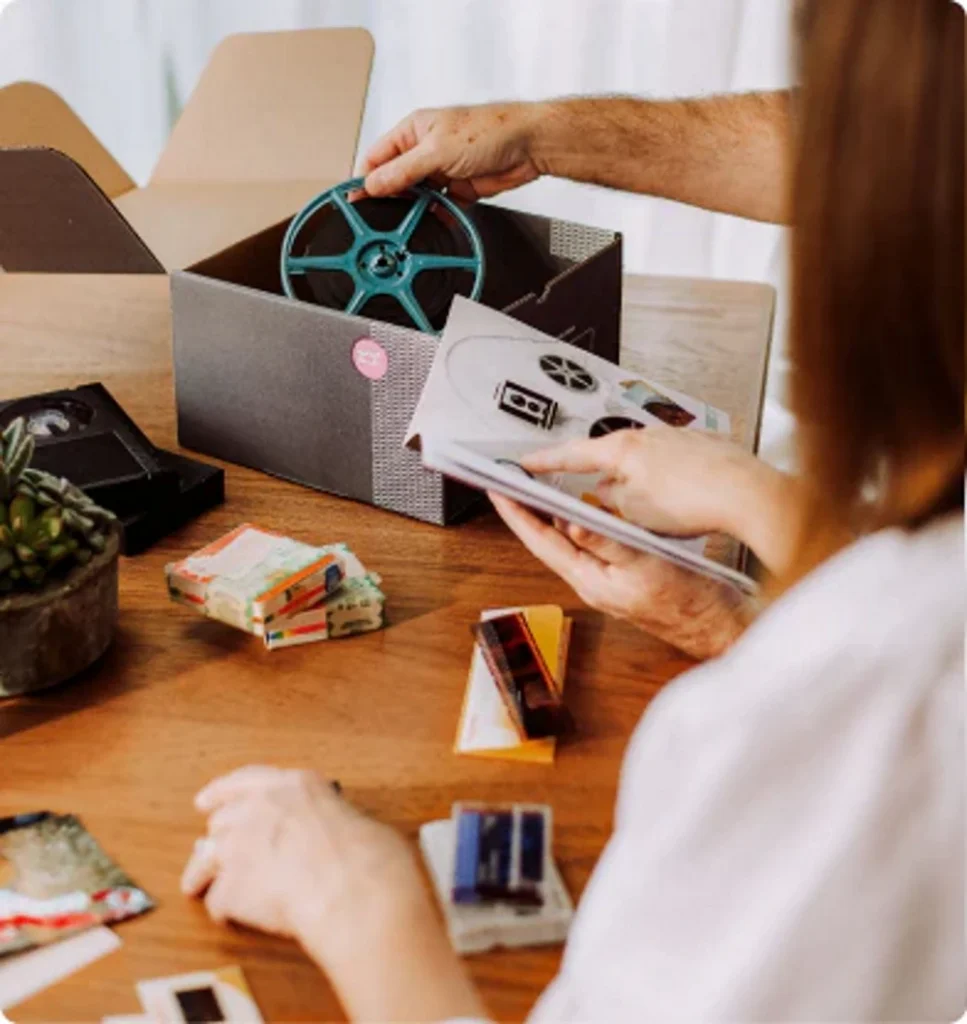
Once the kit arrives, customers pack their old media into the box. A single order can include different accepted formats, so a family archive with VHS tapes, camcorder tapes, photos, slides, film reels, and audio cassettes can often be handled through one service. That flexibility is helpful for anyone sorting through a mixed collection inherited from parents, grandparents, or years of family storage.
After Legacybox receives the box, technicians digitize the media and prepare the digital files. Customers then get their originals back along with access to the converted versions. Digital delivery typically includes cloud access for a limited free period, and optional physical outputs such as a thumb drive or disc set may be available. The result is a far easier way to view and share old memories without hunting down a working VCR, projector, cassette deck, or specialty scanner.
This is not an instant service. It involves shipping, intake, conversion, quality checks, and return delivery. Still, the tradeoff is convenience. For most people, that is the entire point.
Media Formats Legacybox Can Digitize
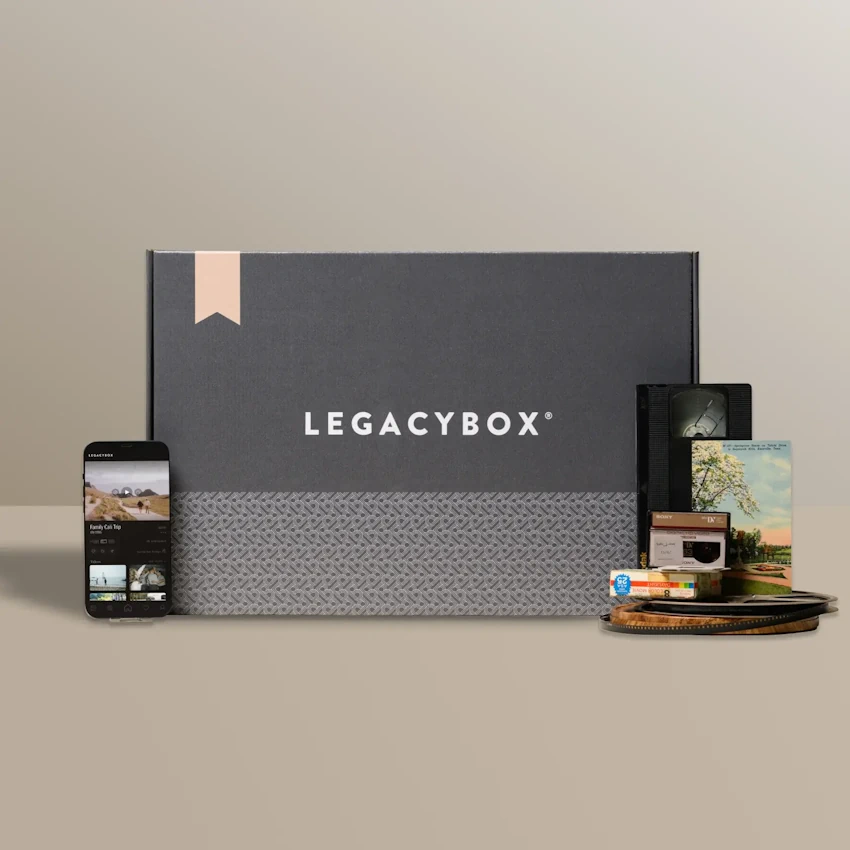
Legacybox covers a broad range of consumer media formats, which is one of its biggest strengths. On the video side, the service can handle familiar home movie formats such as VHS, VHS-C, MiniDV, Hi8, Digital8, 8mm video cassettes, MicroMV, and Betamax. That range matters because many families do not have one clean, organized format. They may have full-size VHS tapes from the 1980s and 1990s, smaller camcorder tapes from the early 2000s, and a few mystery formats that nobody has touched in years.
The service also works with film reels, including common formats like 8mm, Super 8, Regular 8, and 16mm. This is especially valuable for older family archives. Film reels often contain weddings, vacations, childhood footage, reunions, and everyday family moments that may not exist anywhere else. Since most people no longer own safe, working projectors, digitizing film is often the only realistic way to bring those memories back into regular use.
Legacybox also accepts photo prints, slides, and negatives. This makes it useful not only for home movies, but also for turning physical photo collections into digital image files. Audio formats are part of the service as well, including audio cassettes, micro-cassettes, mini-cassettes, and supported reel-to-reel recordings. For families with voice recordings, interviews, old music performances, or messages from relatives, this can be just as meaningful as saving video.
Digitization Quality and Expectations
Legacybox is best understood as a preservation and access service. It takes aging physical media and converts it into a format that is easier to view, hear, store, and share. The quality of the final file depends heavily on the condition of the original item. A clean, well-stored tape or photo will usually produce a better result than one that has been exposed to heat, moisture, dust, wear, or repeated playback over decades.
That said, one of the strengths of Legacybox is that it keeps the original character of the media intact. The goal is not to use AI enhancement or heavy digital manipulation to reinterpret the footage. Instead, Legacybox preserves the video as it was recorded, which can be especially important for family memories. A VHS tape should still feel like the home video it always was. The colors, texture, camera movement, and imperfections remain part of the original memory rather than being smoothed over or artificially altered.
This is an important expectation to set. Digitization does not automatically restore old media to modern high-definition quality. A VHS tape recorded on a consumer camcorder will still look like a VHS tape recorded on a consumer camcorder. There may be grain, softness, color shifts, shaky footage, or uneven audio. In many cases, those imperfections are part of the memory. The service makes the footage accessible again, but it does not turn it into a professionally restored documentary.
For photos, slides, and negatives, scanning can make collections much easier to organize and share. For audio, conversion can preserve voices and recordings that may otherwise become harder to recover over time. For film reels, the digital version allows footage to be watched without repeatedly handling the original reel.
Customers looking for major repair work, advanced restoration, professional editing, or archival-grade customization may need a specialized restoration studio. For ordinary family media, Legacybox offers a practical balance of quality, ease, and accessibility.
What You Get Back
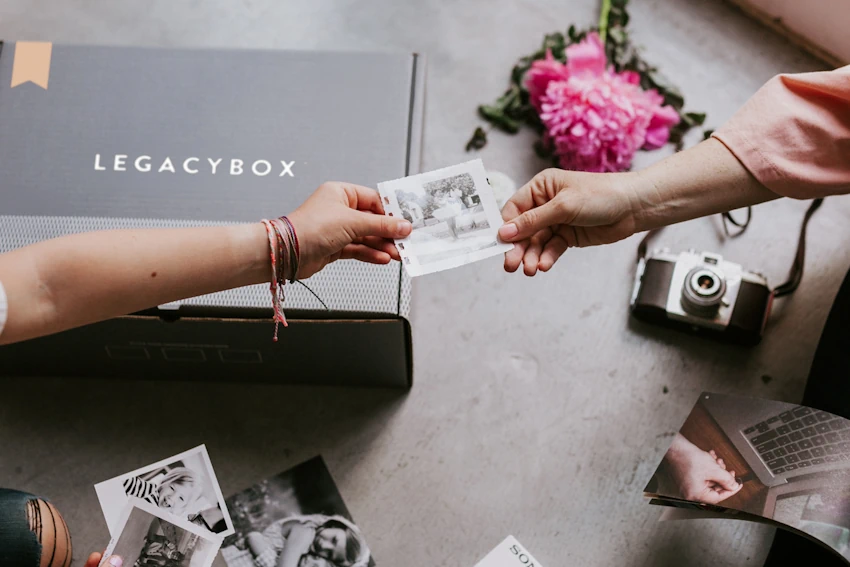
A completed Legacybox order includes the return of the original media. That point matters. People are understandably cautious about mailing away family tapes, photos, film reels, and audio recordings. Getting the originals back allows customers to preserve the physical items while also gaining digital versions that are easier to use.
The digital files are the real upgrade. Once memories are digitized, they can be downloaded, backed up, shared, and organized. Instead of needing a VCR or projector, family members can view the files on modern devices. Cloud access makes sharing easier, especially for relatives who live in different places. A wedding video, childhood tape, or old family recording can become something the whole family can enjoy again, rather than something only one person stores in a box.
Optional thumb drive or disc outputs add another layer of convenience. A thumb drive is useful for people who want a physical digital backup that can be stored at home or shared with relatives. Disc sets may appeal to those who prefer a more traditional format or still use DVD players.
The smartest approach is to treat Legacybox as the first step in a larger preservation plan. Once the files are received, they should be saved in multiple places. A computer, external hard drive, and cloud storage service can work together to create a safer long-term archive. Luckily, digitized files are available through Legacybox Cloud for 30 days, giving customers time to view, download, and share their memories after the order is complete.
Pricing and Overall Value
Legacybox uses kit-based pricing, which makes the service easier to plan. Customers choose a kit based on the number of items they want digitized. An item might be one tape, one reel, or a set quantity of photos, slides, or negatives, depending on the media type. This structure helps customers match the order size to the archive they are trying to preserve.
The total cost depends on the kit size, the number of items, and any optional add-ons such as thumb drives, discs, or extended cloud access. The service may not be the cheapest possible route for someone who already owns working equipment and knows how to digitize media at home. However, do-it-yourself digitization often requires converters, cables, scanners, software, playback devices, storage drives, and a significant amount of time.
Video transfer is especially time-consuming because tapes usually need to play in real time. A two-hour tape can take two hours just to capture, not including setup, troubleshooting, file management, and backup. Photo scanning can also become tedious when dealing with large stacks of prints, slides, or negatives.
Legacybox is valuable because it removes that friction. Customers are paying for convenience, organization, broad format support, and the peace of mind that comes from having a dedicated process. For families with sentimental media and little interest in building a home digitization workstation, the value is easy to understand.
Best Uses for Legacybox
Legacybox is a strong fit for family history projects. It works well for people preparing for reunions, anniversaries, milestone birthdays, memorials, graduations, holidays, or family archive projects. Digitized files can be used in tribute videos, slideshows, shared albums, or private family collections. A box of tapes becomes something people can actually watch together.
The service is also helpful for adult children sorting through inherited media. Many families end up with boxes of old tapes, reels, and photos without knowing exactly what is on them. Legacybox offers a clear way to uncover and preserve that material without needing to identify and operate every old format at home.
It is also useful for decluttering. Physical media takes up space, but throwing it away can feel impossible when the contents might be meaningful. Digitization helps separate the memory from the object. Families can keep the originals if they want, but the content no longer depends entirely on fragile tapes, fading prints, or outdated playback equipment.
The service is less ideal for customers who want total control over every technical setting or need advanced restoration work. Its sweet spot is everyday family preservation. For that purpose, it is practical, accessible, and emotionally valuable.
Pros and Cons
Pros
The kit system makes digitization approachable for people who do not want to manage equipment, software, cables, and file conversion on their own.
Legacybox can handle many common video, film, photo, slide, negative, audio, and disc formats, making it useful for mixed family archives.
Customers receive their physical media back after digitization, which is reassuring when dealing with sentimental or irreplaceable items.
Cloud access and optional physical outputs make it easier to distribute memories to relatives and keep copies in more than one place.
Legacybox has an exclusive Shipping Protection agreement with UPS that allows customers to protect their media with $1,000 of insurance for an additional cost. This is especially useful because old tapes, film reels, photos, and audio recordings often have sentimental value that is difficult to assign a normal replacement cost.
Cons
This is a mail-in service, so it is better for planned preservation projects than last-minute needs.
Old or damaged media may still show age-related flaws after digitization, though the files will be far easier to access and preserve.
Optional thumb drives, discs, additional items, or extended access may increase the total price, but they can also make storage and sharing more convenient.
Final Verdict
Legacybox is worth considering for anyone with old family media sitting unused in storage. Its biggest strength is that it makes a difficult project feel manageable. Instead of buying equipment, learning conversion software, and spending weekends troubleshooting old tapes, customers can use a structured service that handles the process from start to finish.
The service is especially appealing for families with mixed archives. VHS tapes, camcorder cassettes, film reels, photos, slides, negatives, audio recordings, and discs can be difficult to organize, much less digitize. Legacybox gives those materials a practical path into the modern world.
It is not a full restoration studio, and it should not be treated as one. The quality of the final files will always depend on the original media. Still, for most households, the goal is not perfection. The goal is access. The goal is being able to watch a childhood video again, hear a relative’s voice, share old photos with siblings, or preserve a family moment before the original format fails.
On that front, Legacybox delivers a clear and useful service. It helps turn old memories into files that can be watched, shared, backed up, and passed forward. That makes it a smart option for anyone ready to rescue family history from the closet.