
Rokid Review: A Practical Guide to the Brand’s AR and AI Glasses Ecosystem

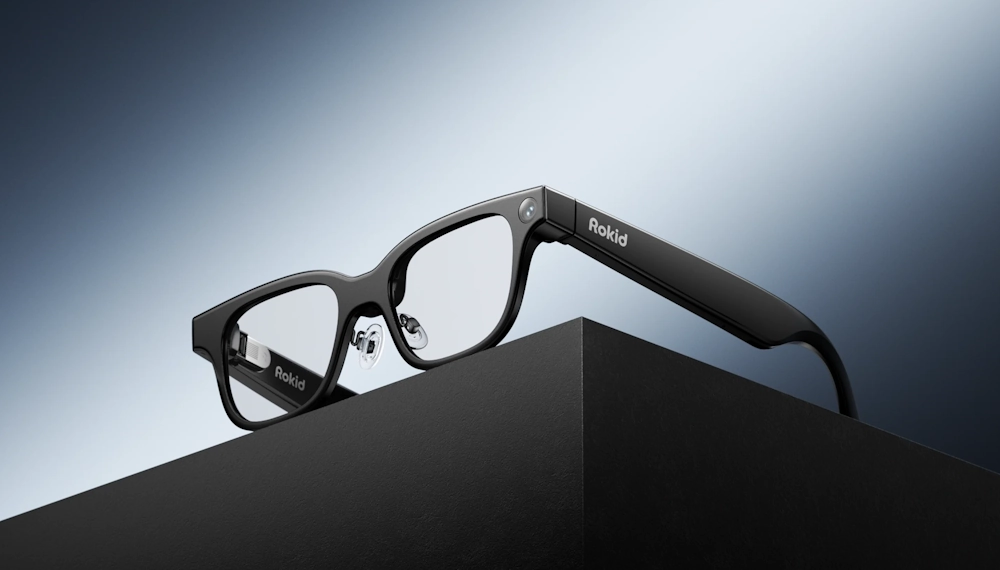
Rokid positions itself as a consumer-focused AR company aimed at making “screen-sized” experiences portable and wearable. The brand’s global storefront emphasizes AR glasses that work like a personal theater or a multi-monitor workspace, with companion hardware that reduces reliance on phones, laptops, or consoles depending on the setup. This is a meaningful distinction in the broader smart-glasses category, where some products prioritize cameras and audio-first AI, while others focus on display-forward viewing and productivity.
Rokid’s catalog signals two parallel tracks. One track centers on display-based AR glasses that create a virtual screen for entertainment, gaming, and work. The other track leans into lighter “AI glasses” concepts focused on real-time assistance features such as translation, navigation, and recognition. The result is a brand that is not trying to be a single gadget, but a small ecosystem of wearable viewing plus optional compute and content layers. For buyers, that ecosystem framing matters because the best experience often depends on pairing the right glasses with the right source device and usage scenario.
The Core Lineup: AR Glasses, AI Glasses, and Companion Devices
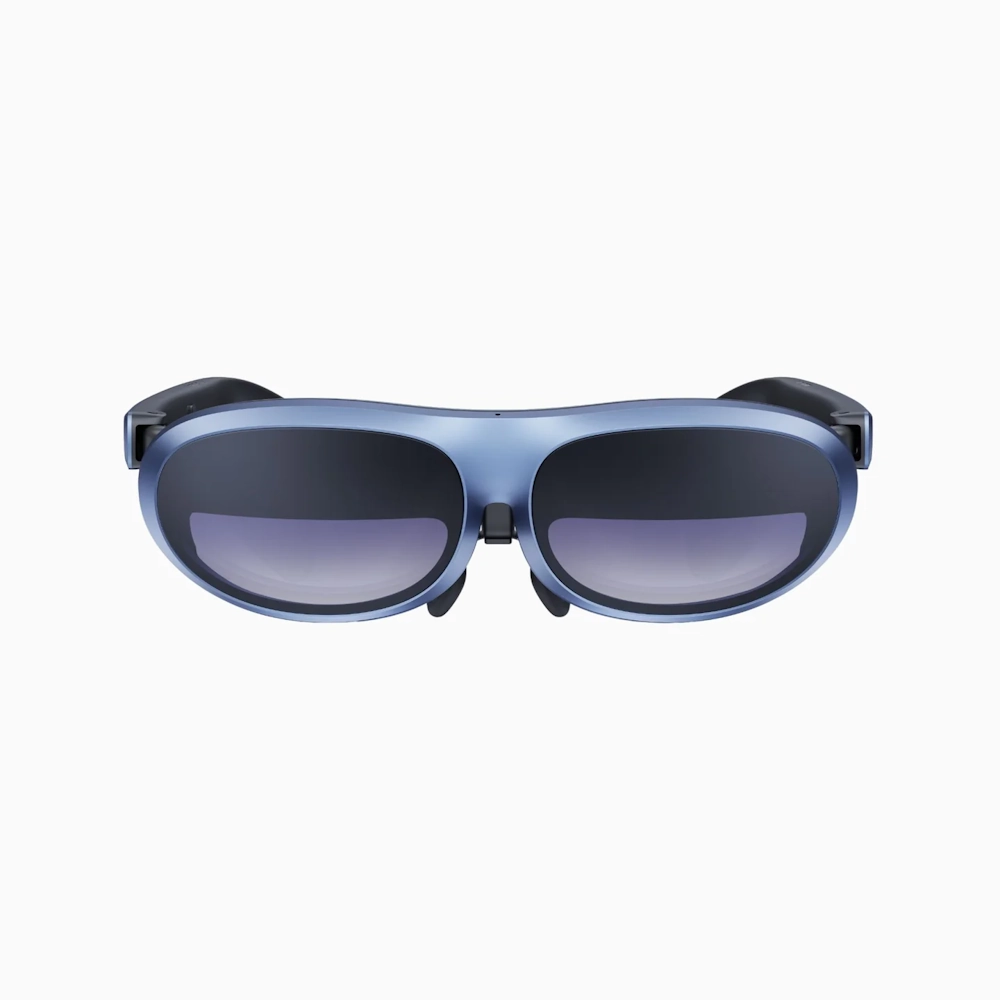
Rokid’s AR lineup is anchored by products designed to display a large virtual screen from compact eyewear. A key example is Rokid Max, marketed around immersive viewing and broad device compatibility through modern video output standards. Alongside AR glasses, Rokid offers a companion streaming and compute device, Rokid Station, designed to bring apps, streaming, and portability into a more self-contained package.
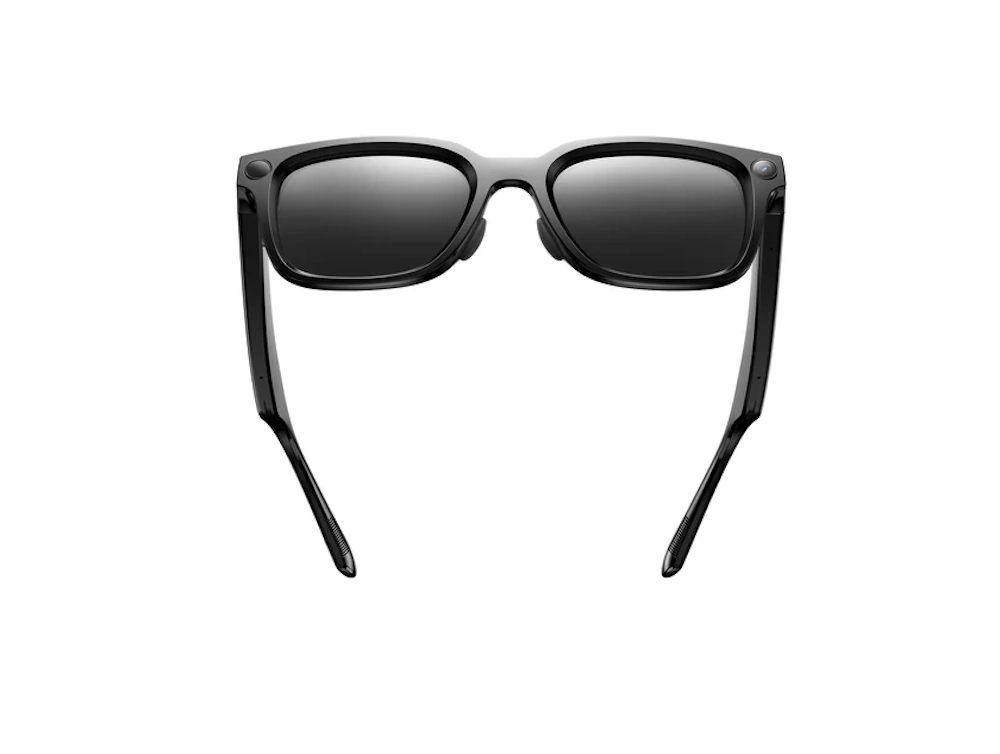
Rokid also highlights AI-oriented glasses that emphasize real-time features. The product pages describe use cases like translation, navigation support, and on-the-go capture and note-taking. This split approach is useful because “smart glasses” is not one category anymore. Some buyers want a personal cinema and portable monitor replacement. Others want a voice-first assistant with lightweight wearability and quick information in the moment. Rokid’s site suggests it aims to serve both, which can be a strength if the product messaging stays clear about what each device is optimized to do.
Display Experience and Visual Performance
For display-forward AR glasses, the viewing experience is the whole product. Rokid leans heavily into specs that indicate a premium “screen-on-your-face” approach, including Micro OLED panels with 1920×1080 resolution per eye, a high stated contrast ratio, and a 120 Hz refresh rate on the Rokid Max line. It also lists multiple brightness levels and a perceived brightness figure that signals a focus on usability across varied environments, not just dim rooms. These choices matter because AR glasses live or die by clarity, motion smoothness, and how stable text and video feel during long sessions.
Rokid’s spec sheet also indicates support for 2D and 3D viewing modes, which is a nod to media enthusiasts who want more than standard flat playback. For productivity, the big story is whether text remains sharp and comfortable. Specs alone do not guarantee comfort, but they set expectations. A 120 Hz refresh rate can reduce perceived flicker and improve motion handling, while strong contrast can make movies and dark scenes feel richer. For buyers comparing display-based AR options, Rokid’s published specs show an attempt to compete on fundamentals rather than novelty.
Comfort, Fit, and Vision Support
Wearability is the hidden dealbreaker for glasses-based tech. Rokid addresses this through design features that aim to reduce friction for everyday users. A notable practical feature is built-in diopter adjustment on certain AR models, listed as covering 0.00D to -6.00D. That is significant because it can reduce dependence on prescription inserts for many nearsighted users, and it can make shared use more realistic across households. Rokid also references wearing detection and head tracking sensors in its specs, suggesting attention to how the device behaves when put on or taken off.
For AI-oriented glasses, the site messaging leans into lightweight, daylong usability and materials that are intended to feel like normal eyewear rather than a headset. It also highlights prescription support and lens options, which is essential for mainstream adoption. In practice, comfort is shaped by nose pads, temple pressure, weight distribution, and heat. Those details are not always fully captured by a product page, but Rokid’s emphasis on fit, adjustment, and eyewear-like form factors signals it understands that AR glasses are worn, not carried.
The Rokid Station and the “Portable Ecosystem” Idea
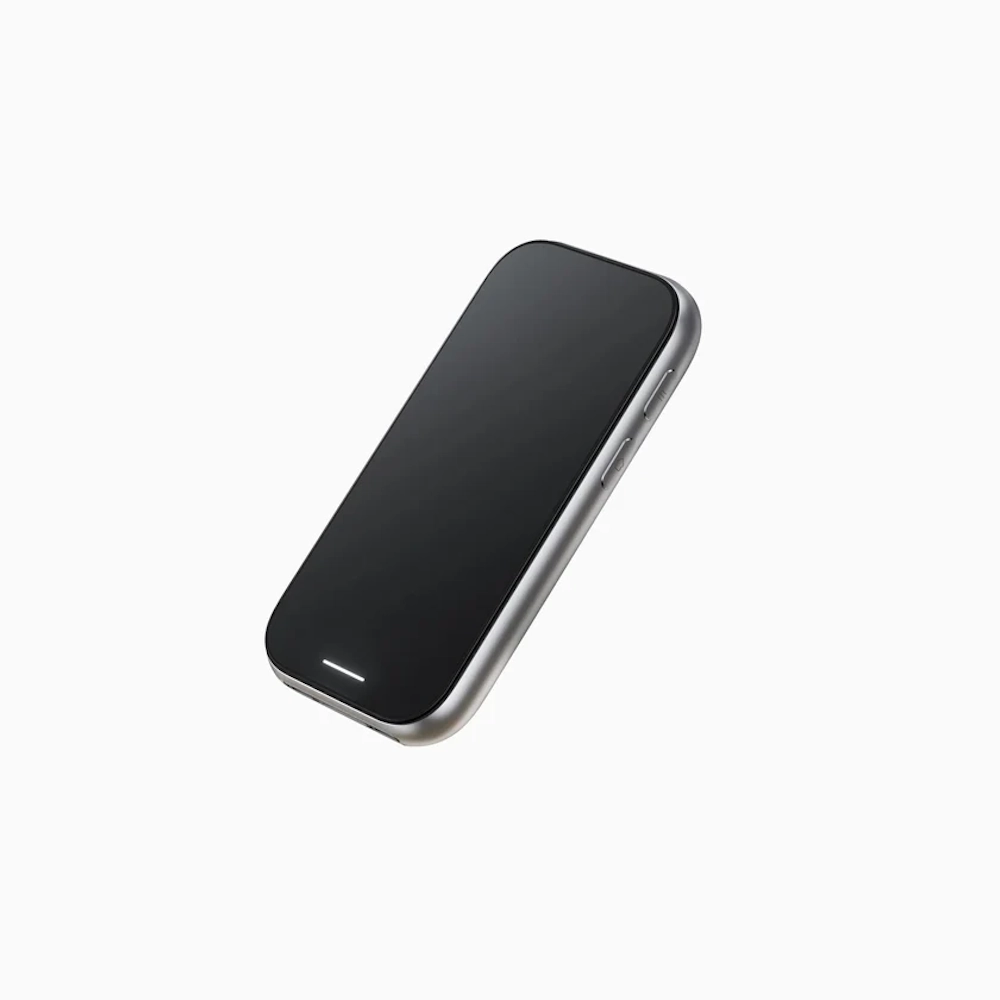
A companion device can turn AR glasses from a niche accessory into a more complete product. Rokid Station is positioned as a portable streaming and control hub that can bring content, apps, and interfaces to the glasses without requiring a specific phone model or constant tethering to a laptop. Rokid’s listed specifications include a 5000 mAh battery, Wi-Fi and Bluetooth connectivity, and support for media and streaming use cases. Battery capacity matters here because it shifts AR glasses from “plug into something and hope it works” toward “pick up a dedicated device and go.”
Rokid also describes Station-like functionality in terms of convenience features such as screen projection and cloud-oriented use. The broader point is flexibility: many people want AR glasses for travel, commuting downtime, hotel rooms, or living-room comfort. In those moments, simplicity wins. A purpose-built companion can reduce setup time and keep the experience consistent. For buyers, the question becomes whether the Station fits their habits better than simply using a phone, handheld console, or laptop. Rokid’s approach suggests it expects many users to prefer a dedicated middle layer that is optimized for AR viewing.
AI Features and Real-World Utility
Rokid’s branding leans into the idea that AI makes AR more than a floating screen. The brand’s own messaging connects AI with practical, in-the-moment value, such as translation, navigation, and object recognition delivered in the user’s line of sight. That set of features aims at everyday friction: understanding signs or menus, moving through unfamiliar areas, and quickly identifying things without reaching for a phone.
Recent coverage also points to Rokid expanding its AI glasses strategy toward lighter, more mainstream designs that prioritize voice-first interactions and longer wear time. That trend aligns with where the category is going. People want glasses that feel normal and assist when needed, not a headset that demands a session. For buyers, the important detail is that “AI glasses” and “display AR glasses” solve different problems. Rokid appears to treat AI as a layer that can either complement a display experience or stand alone in a lighter product. That is a coherent direction, as long as buyers understand which model delivers which kind of value.
Compatibility and Setup: What Buyers Should Expect
AR glasses are easiest when they behave like a monitor. Rokid’s product pages highlight direct connection scenarios for devices that support modern video output over USB-C standards, and it also sells bundles that pair glasses with Station to simplify compatibility across more sources. The practical takeaway is that compatibility often determines satisfaction more than any single spec. If a phone, laptop, or console outputs cleanly, the experience can feel seamless. If it does not, buyers can end up troubleshooting adapters, power, and settings.
Rokid’s bundling messaging suggests the brand expects this reality and offers a “one compact device” path for users who do not want to think about ports, standards, and edge cases. That approach is sensible for a mainstream audience. It also means shoppers should think backwards from their daily devices. The right question is not “which glasses are best,” but “what will these connect to every day.” For travel, a dedicated station-style hub may reduce friction. For desk use, direct USB-C display output might be the cleanest. For gaming, latency and stability matter most. Rokid’s storefront tries to match buyers to those patterns.
Entertainment, Gaming, and Work: Where Rokid Makes the Most Sense
Rokid’s strongest pitch is the idea of a large private screen that fits in a bag. For entertainment, that means movies and shows without fighting for the TV, plus a more immersive experience than a phone or tablet. For travel, it can mean turning a cramped seat into a personal theater. For gaming, it can mean a bigger-feeling display for handheld consoles or cloud gaming setups, assuming the connection chain is stable and responsive.
Work and productivity are the trickier promise, but also the most compelling when it clicks. Products like Rokid’s “spatial” workstation concept aim to replace or augment monitors, which speaks to remote workers, students, and laptop-first setups that feel cramped. In that context, the glasses need to deliver readable text, stable windows, and comfort over longer sessions. The brand’s product mix suggests it is trying to cover both fun and focus, which is realistic because many buyers will use AR glasses for both. The best outcomes usually come from clear use cases: frequent travel, limited physical space, or a desire for a private, portable screen that does not disturb others.
Pros and Cons
Pros
Specs like 1080p per eye and a 120 Hz refresh rate on certain models point to a serious focus on clarity and smoothness for video and screen use.
A 0.00D to -6.00D adjustment range can reduce friction for many nearsighted users and makes quick fitting more practical.
A portable hub with its own battery and connectivity can turn AR glasses into a more consistent “grab and go” experience.
Brand messaging around translation, navigation, and recognition targets everyday value rather than novelty alone.
Cons
Rokid’s lineup spans display AR and AI-first glasses, which can confuse shoppers who expect one device to do everything equally well.
Direct connection experiences often require specific device support, and the best results come from planning around what will be connected most.
The most seamless path can involve pairing glasses with a companion device, which can increase total cost compared with “glasses only” expectations.
Comfort, fit, and long-session tolerance vary widely, so specs do not fully predict whether the glasses will feel effortless day to day.
Final Verdict: Who Should Consider Rokid
Rokid is best understood as a wearable screen and assistance brand, not a wellness supplement company. Its products target a clear modern need: portable, private digital space that can follow a user from couch to commute to hotel room to desk. The brand’s AR glasses focus on display fundamentals that matter for real usage, including resolution, refresh rate, and features that support vision correction. Its companion-device approac
Rokid’s expanding AI direction suggests it also sees the future of glasses in lightweight, voice-first help that reduces phone dependency for quick tasks. That dual strategy can be a strength as long as buyers choose the right tool for the job. For entertainment lovers, frequent travelers, small-space dwellers, and people who want a big screen without the bulk, Rokid’s ecosystem is designed to be compelling. For buyers seeking a single do-everything gadget, the smarter move is to pick the dominant use case first, then choose the Rokid product path that matches it.